 playtua
Best Quick Break Games
Only have a few minutes? These games are perfect for quick breaks — they fit short sessions and provide satisfying gameplay in just 2-5 minutes. Ideal for work breaks, lunch time, or any spare moment. Compare these picks, read their short descriptions and open a game’s guide to find the controls and challenge that suit your next session.
15 curated games
Why These Games?
Top 15 Quick Break Games

Whack A Mole
Whack cute cats popping from holes - test your lightning reflexes!

Balloon Blaster
Pop colorful balloons as fast as you can before time runs out!

Fruit Ninja
Slice all flying fruits with finger swipes and combos - avoid the bombs!

Flappy Bird
Tap to flap and navigate through pipes - classic arcade challenge!
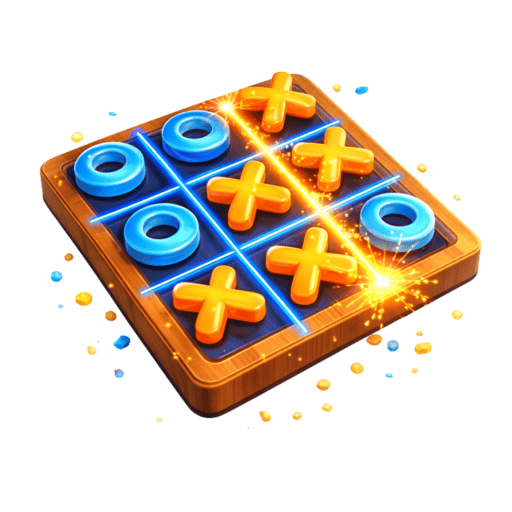
Tic Tac Toe
Classic X and O strategy game - play against a smart AI and try to win!

Perfect Circle
Draw the most perfect circle you can on screen - test your hand precision!

Dino Jump
Jump over obstacles and collect stars for extra lives - endless runner fun!

Popit Fidget
Pop satisfying bubbles in this relaxing fidget toy simulation game!

Bubble Shooter
Aim and shoot bubbles to match 3 or more of the same color and clear them!
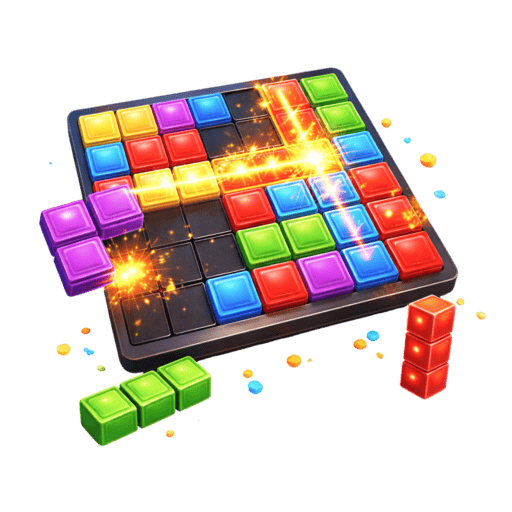
Block Blast
Place blocks on the grid to clear full lines - strategic puzzle challenge!

Knife Hit
Throw knives at the spinning log — don't hit another knife or apple!

Stack Tower
Stack sliding blocks perfectly to build the tallest tower you can reach!

Color Switch
Jump through matching color obstacles — time your taps to survive!
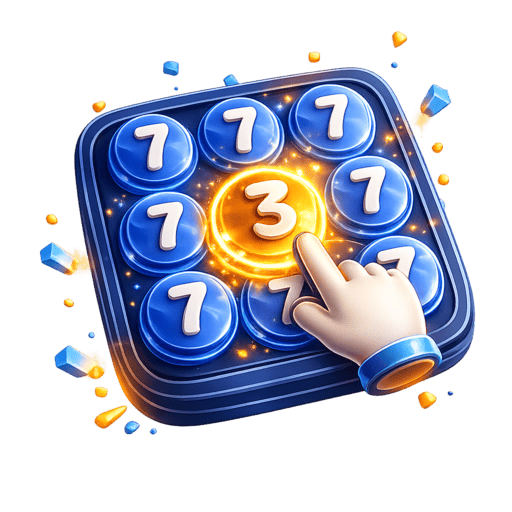
Find Different Number
Find the 10 different numbers hidden in a 10×10 grid before time runs out!
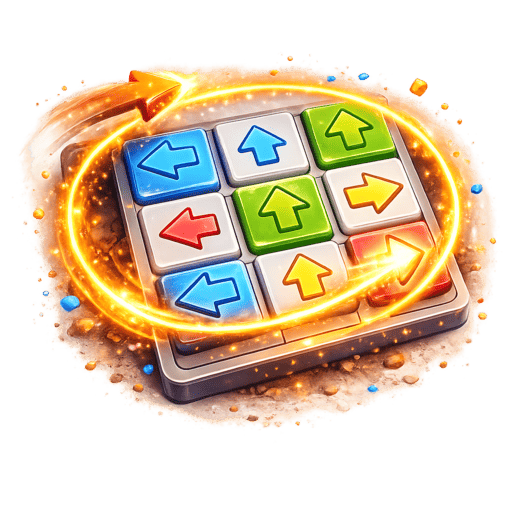
Arrows
Tap arrows to fly them off the board - clear them all before time runs out!
Frequently Asked Questions
What games are best for short breaks?
Can I pause these games?
More Best-Of Lists
Get All Quick Break Games Free
Download Playtua — all 15 quick break games plus 20+ more, free with minimal ads! Go ad-free with Premium.
Download Playtua FreeChoose your next kind of play.
Continue exploring the collection beyond quick break. Compare game styles and follow the individual guides for controls and objectives. The collection brings different styles together, so a change of pace is always close by. Explore a category to compare its games, then open an individual game page for the rules, controls and difficulty.
Puzzles and boards
Fit pieces, spot patterns and plan a move. Explore sorting challenges, familiar boards and puzzles that give you space to think.
ExploreRacing games
Steer through traffic in Car Racing and Bike Racing. Read the road, change lanes and build a steady rhythm as the pace increases.
ExploreArcade favourites
Discover timing challenges and familiar arcade ideas with a fresh 3D feel. Compare the objectives and choose a game for your next short break.
ExploreThree different adventures in 3D.
Run a jungle causeway, explore a wilderness or spend a playful moment with Tua. These games show three different sides of the collection, with their own goals, controls and animated worlds.
Penguin Run
Guide a penguin through a fresh 1,000-metre jungle track. Switch lanes, jump gaps and slide beneath obstacles as you head towards the finish.
ExplorePremiumTreasure Hunt
Explore grasslands, rivers and cave passages. Collect 24 diamonds, defeat eight robots and use the minimap to follow your expedition.
ExplorePlay With Tua
Meet an animated companion with ten playful actions. Turn Tua around, choose a move and discover the character at your own pace.
ExplorePlay the games. Connect for more.
Gameplay and online services have different needs. The games work offline, while features such as leaderboards, account services and store purchases use an internet connection.
Offline gameplay
Install the app before a journey and try your favourite games. You can then enjoy gameplay when a connection is unavailable.
ExploreScores and leaderboards
Use a connection when you want to access online leaderboard and account features. The app brings these services alongside the game collection.
ExploreAccount and purchase questions
Find explanations about accounts, advertisements, subscriptions and offline play in the frequently asked questions.
ExploreA comfortable way to play.
The collection combines clear touch controls with shared settings for the parts of play you may want to adjust. Each game’s instructions explain its own objective and gestures.
Touch controls
Read a game’s guide to see whether it uses taps, swipes, dragging or other gestures. The guide starts with the objective and main controls.
ExploreSound and haptics
Use the app’s game settings to choose sound effects and haptic feedback that suit the way you want to play.
ExploreDifferent challenge levels
Browse games by difficulty when choosing your next challenge. The labels help you compare options before reading the full game description.
Explore