How to Play Arrows
Tap arrows to fly them off the board - clear them all before time runs out!
What is Arrows?
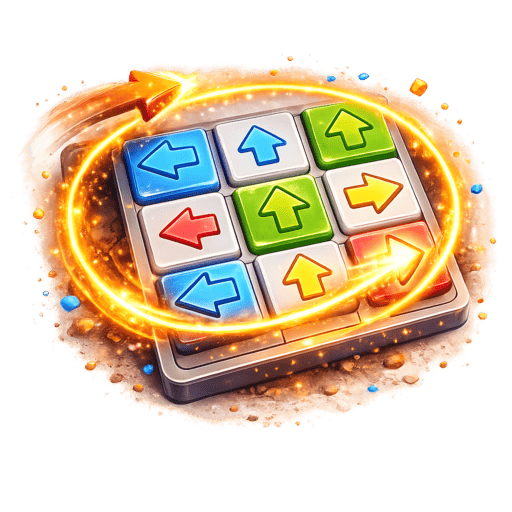
Arrows is a clever logic puzzle game where the board is filled with arrows pointing in different directions — up, down, left, and right. Your goal is to tap arrows to send them flying off the edge of the board in their pointed direction, but there's a catch: an arrow can only leave if its path to the edge is completely clear. Blocked arrows shake to tell you they can't move yet. By removing arrows strategically, you open paths for other arrows, creating a satisfying chain of clears. The puzzle is designed so you can never get stuck — there's always at least one arrow ready to go. Clear every arrow before the timer runs out to win!
Exercise your logical thinking with Arrows on Playtura! This unique puzzle game presents you with a grid full of directional arrows that need to be cleared from the board. The key mechanic is beautifully simple: tap an arrow, and if nothing blocks its path to the edge, it flies off with a satisfying swoosh animation. If it's blocked by other arrows in its path, it shakes to tell you to try elsewhere. The genius of the puzzle design ensures you're never stuck — removing one arrow always opens up new possibilities. As you progress, you'll develop an intuition for reading the board and finding the optimal clearing order. With its clean visual design, satisfying animations, and timer-based challenge, Arrows delivers a fresh puzzle experience. Download Playtura and enjoy Arrows completely free, offline, with minimal ads! Go ad-free with Premium.
Step-by-Step Guide to Play Arrows
- 1
Look at the grid of arrows — each points up, down, left, or right
- 2
Tap an arrow to send it flying in its direction toward the board edge
- 3
An arrow can only leave if no other arrows block its path to the edge
- 4
Blocked arrows shake to tell you they can't move yet
- 5
Remove blocking arrows first to open paths for others
- 6
Clear every single arrow from the board before time runs out
- 7
Think ahead — removing one arrow opens new paths for others
Arrows Features
Pro Tips & Winning Strategies
Start with arrows on the edges that have clear paths to leave
Look for arrows pointing toward the nearest edge — they're most likely unblocked
Work from the outside in — edge arrows are usually easier to clear first
When stuck, look for the arrow closest to its target edge with fewest blockers
Removing one arrow often unblocks several others — look for chain opportunities
Don't overthink — tap quickly when you spot a clear path
The puzzle guarantees at least one valid move at all times
Benefits of Playing Arrows
Frequently Asked Questions
What are the step-by-step rules of Arrows?
What strategies help win at Arrows?
How long does a typical Arrows session take?
Is Arrows suitable for beginners?
What cognitive benefits does playing Arrows provide?
More Game Guides


Explore More
Ready to Play Arrows?
Download Playtura now — Arrows plus 50+ other amazing games, completely free!
Download Playtura Free